Ecommerce speed optimization for stores that fail on real phones.
Ecommerce speed optimization is engineering that brings a store's Core Web Vitals into the good range for real shoppers on phones, fixing images, scripts, fonts and layout shifts template by template.
Render path, image delivery, script budgets and third-party tag discipline, fixed per template and measured with field data.
- Template-level breakdown of your slowest pages
- Yours whether or not you hire us
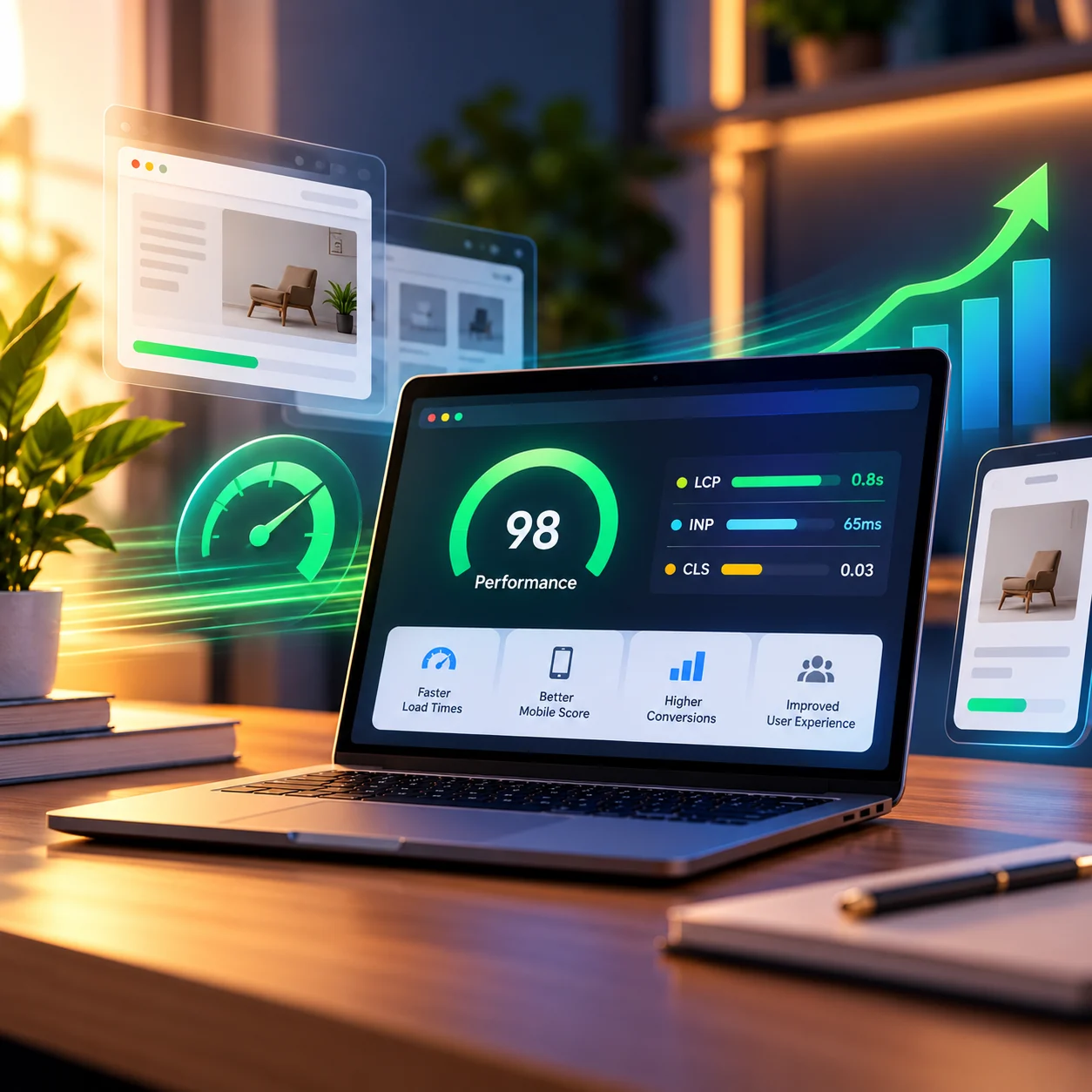
What we check: hero image, server response, render-blocking CSS and JS.
What we check: variant pickers, filters, add-to-cart handlers, third-party scripts.
What we check: promo bars, badges, fonts and app blocks without reserved space.
Diagnosis
Where ecommerce speed actually goes wrong
Hero and product image delivery
Unsized, oversized or lazy-loaded above-the-fold images push LCP past the 2.5-second threshold.
Render-blocking apps and tags
Reviews, chat, personalization and analytics apps loaded synchronously, often duplicated.
Font strategy
Too many font weights, no preload and no fallback metrics cause late text and layout shift.
Main-thread work on interaction
Variant pickers and filters that re-render the whole grid push INP past 200 ms on mid-range phones.
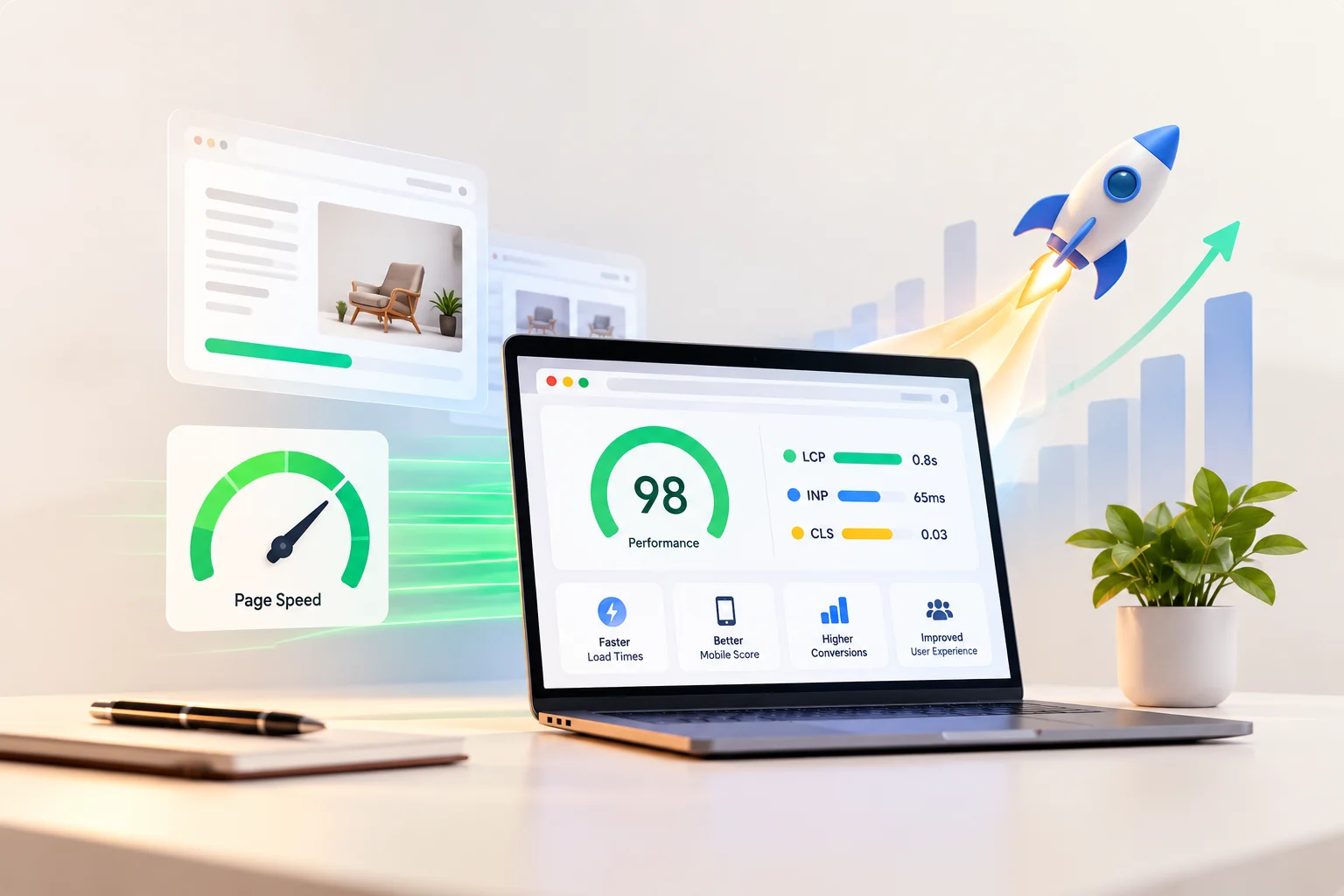
A per-template breakdown of LCP element, blocking scripts and layout-shift sources, ranked by revenue impact.
Send your store URL. You'll receive the audit whether or not you hire us.
Request the auditAudit → Fix → Measure
What we do, in the order we do it
| Area | Fix | Measured by |
|---|---|---|
| Images | Responsive sizes, modern formats (AVIF/WebP), explicit dimensions; eager-load only the LCP element. | LCP by template, field data, 28-day window |
| Scripts | A script budget per template: defer, consolidate or remove third-party and app scripts. | INP at p75, mobile (field); Total Blocking Time in lab tests |
| Fonts | Subset, preload, match fallback metrics, fewer weights. | CLS from font swap |
| Layout | Reserve space for promo bars, badges and app blocks. | CLS at p75 |
| Server & caching | Cache headers, CDN configuration, and slow app or API calls. | TTFB and LCP by template |
| Theme code | Remove unused CSS and JavaScript; simplify heavy sections. | Page weight and INP |
Speed Optimization
Speed optimization by platform
Shopify
App and theme script audits, image delivery, and section-level fixes in Liquid themes.
BigCommerce
Stencil template cleanup, script budgets and image handling for large catalogs and price-list pages.
WooCommerce
Hosting, page and object caching, database query tuning and plugin cleanup.
Ongoing Performance
Keeping your store fast after launch
Speed work doesn't stay done. New apps, campaign banners and theme updates add weight. On a retained plan we review field Core Web Vitals monthly, test new apps and scripts before they go live, and flag regressions before they show up in the 75th-percentile numbers Google sees.
Considering headless?
Headless can be faster, but only when it's built to a performance budget.
A well-built theme often reaches good Core Web Vitals without a rebuild. A headless Next.js storefront can go further but adds hosting and maintenance. We start with theme-level fixes and tell you if a rebuild is justified.
Is headless right for you?FAQ
Speed questions
What is ecommerce speed optimization?
It's the engineering work of making a store load and respond faster for real shoppers on phones: fixing image delivery, render-blocking scripts, fonts, layout shifts and server response, template by template, and verifying the result with field data.
What are Core Web Vitals?
Core Web Vitals are Google's three field measures of page experience: Largest Contentful Paint (good at 2.5 seconds or less), Interaction to Next Paint (200 ms or less) and Cumulative Layout Shift (0.1 or less). Google assesses them at the 75th percentile of real visits.
What usually slows an online store down?
Most often: unsized, oversized or lazy-loaded hero and product images, review, chat and analytics apps loaded synchronously, too many font weights without preload, and variant pickers that re-render the whole grid on every tap.
How do you measure the result?
With field data rather than one lab score: LCP by template over a 28-day window, INP and CLS at the 75th percentile on mobile. Lab tests, including Total Blocking Time, help us debug but are not the success measure.
What does the free speed audit include?
A per-template breakdown of the LCP element, blocking scripts and layout-shift sources, ranked by revenue impact. It needs only your store URL, and you receive it whether or not you hire us.
Will speed optimization improve conversions or rankings?
Faster stores tend to lose fewer shoppers, and Core Web Vitals are part of Google's page experience signals, but speed is one factor among many. We measure the speed improvement and don't guarantee revenue or ranking changes.
Does the platform matter?
Yes. Shopify stores usually need app and theme script audits, BigCommerce stores Stencil cleanup, and WooCommerce stores hosting, caching and query work.
Do I need to go headless to pass Core Web Vitals?
Usually not. Most stores can reach the good range with theme-level fixes. See when headless pays off.
Start with a free speed audit
Your store URL is all we need to produce the template-level breakdown.