
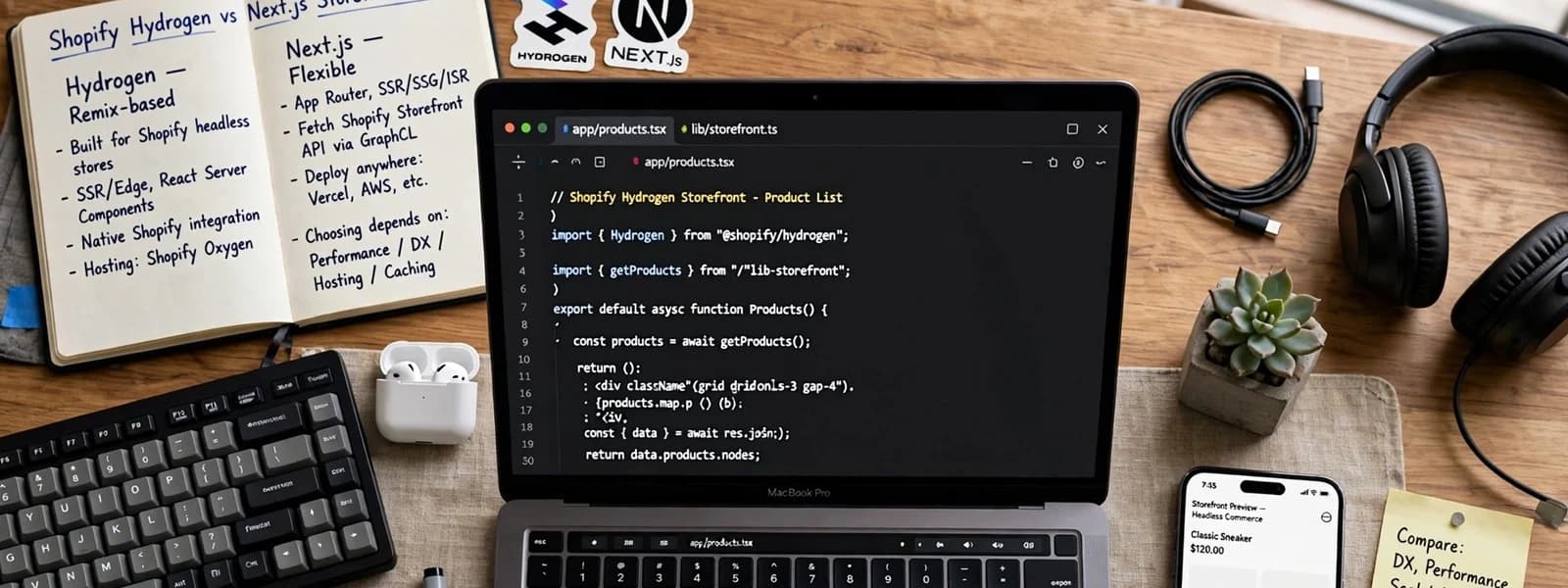
Choose Hydrogen if your storefront is Shopify-only, your team is happy to work in React Router, and you want hosting included through Oxygen with Shopify’s caching built in. Choose Next.js on the Storefront API if the site also carries a lot of non-Shopify content, you may add another commerce platform or CMS later, or your team already runs Next.js. Both hand the buyer to Shopify’s checkout, so the decision is about everything around the cart, not the checkout itself.
We build on both. The question we get most on headless Shopify projects is Shopify Hydrogen vs Next.js, and the honest answer depends less on the frameworks than on the team that will maintain the result. Below is how they compare on the five things that decide it, then who should pick which. If you have not yet decided whether to go headless at all, start with when headless commerce is worth it.
The two options in one paragraph each
Hydrogen is Shopify’s own framework for custom storefronts. Shopify’s docs describe it as built on React Router, with Shopify-specific components, utilities for the cart and customer accounts, and caching helpers designed around the Storefront API. It deploys to Oxygen, Shopify’s hosting platform, or can be self-hosted.
Next.js on the Storefront API is a general-purpose React framework that you connect to Shopify yourself, by calling the Storefront API over GraphQL. Vercel maintains an open-source starter, Next.js Commerce, and Shopify publishes Hydrogen React, a set of components and hooks you can use outside Hydrogen. Next.js is most often hosted on Vercel but runs on any Node host.
Hosting: Oxygen vs Vercel
Oxygen is the biggest practical difference. Shopify’s Hydrogen fundamentals describe it as a global deployment platform built for Hydrogen, with preview environments for every change, and list it as included at no additional cost on most Shopify plans. That removes a hosting bill and a vendor relationship.
Next.js has no equivalent bundled with Shopify. Vercel is the usual host: its pricing page describes a free Hobby plan for personal, non-commercial use, a Pro plan billed per seat, and usage-based charges for things like function invocations, data transfer and image optimisation. A store is a commercial project, so plan on Pro or Enterprise. You can also host Next.js on other platforms or your own Node servers, which trades a bill for operational work.
What this means in practice: Oxygen is simpler and usually cheaper on hosting; Vercel is more flexible, has a broader ecosystem and works the same way for every non-Shopify project you run. The cost side is laid out in what headless actually costs to run.
Checkout hand-off
This is where the two are closest. In both stacks, the front end creates and updates a cart through the Storefront API. When the buyer is ready, the app sends them to the cart’s checkoutUrl, and Shopify’s documentation describes that URL as redirecting through Shopify’s web checkout. Shopify also recommends requesting it fresh when the buyer proceeds, rather than storing it.
Things to plan for either way:
- Domain and branding. Checkout runs on Shopify. Set up the checkout domain and branding so the jump from your front end does not feel like leaving the store.
- Analytics across the hand-off. Sessions cross from your app to Shopify’s checkout. Decide early how attribution and consent carry over.
- Logged-in buyers. If customers sign in on the storefront, the cart needs their customer token so checkout knows who they are.
Hydrogen ships helpers for the cart and customer accounts. In Next.js you write or adopt them, from Next.js Commerce or Hydrogen React. Neither changes what Shopify’s checkout can do.
Caching
Caching decides how fast pages feel and how much load you put on the Storefront API.
Hydrogen exposes named strategies for each API call. Shopify’s caching guide documents CacheShort(), CacheLong(), CacheNone() and CacheCustom(), with a default that revalidates after one second and caches for up to a day, and full-page caching on Oxygen. Customer Account API data is never cached; customer data fetched through the Storefront API needs CacheNone() set by you.
Next.js gives you static generation, incremental static regeneration and on-demand revalidation (see the Next.js caching guide). A common pattern is to cache product and collection pages, then revalidate them from a Shopify webhook when a product changes. It is powerful and flexible, but you design it yourself, and getting it wrong is one of the main reasons Next.js storefronts end up slow. We cover the traps in why your Next.js app got slow.
Developer experience
- Hiring and familiarity. Next.js is widely used outside commerce, so more developers already know it. Hydrogen developers usually come from Shopify themes or React Router.
- Shopify-specific shortcuts. Hydrogen’s starter includes cart, account, search and SEO routes wired to Shopify. In Next.js you start from a template or build them.
- Mixed content. If the site pulls from a CMS, a PIM, a booking system or a second platform, Next.js treats Shopify as one data source among several. Hydrogen can do this too, but its conveniences are Shopify-shaped.
- Upgrades. Both move quickly. Hydrogen tracks the Storefront API, which Shopify versions every quarter with each version supported for at least 12 months. Next.js publishes its own upgrade guides for major versions. Budget upgrade time for both.
Lock-in
Every headless stack is locked to something. The question is what you would have to rebuild to leave.
- Leaving Shopify: with Hydrogen, you rewrite most of the front end, because its data layer and components are Shopify-specific. With Next.js, you replace the data layer and keep much of the UI.
- Leaving the host: Hydrogen can self-host, though Oxygen-specific features like its caching and preview environments stay behind. Next.js runs on other hosts, though some Vercel-specific features need replacing.
- Leaving the framework: equally hard in both. That is a rebuild.
Side-by-side comparison
| Factor | Hydrogen | Next.js on the Storefront API |
|---|---|---|
| Built on | React Router, Shopify-specific | Next.js, platform-neutral |
| Default hosting | Oxygen, included on most Shopify plans | Vercel (per-seat plus usage) or any Node host |
| Checkout | Shopify checkout via checkoutUrl |
Shopify checkout via checkoutUrl |
| Cart and accounts | Helpers built in | From a starter, Hydrogen React or custom |
| Caching | Named strategies plus Oxygen full-page cache | Static, ISR and on-demand revalidation you design |
| Non-Shopify content | Possible, Shopify-first conveniences | First-class; any CMS or API |
| Talent pool | Smaller, Shopify-focused | Larger, general web |
| Leaving Shopify later | Most of the front end rewritten | Data layer replaced, UI largely kept |
| Hosting cost | Usually none on top of Shopify | [X] per month depending on plan, seats and traffic |
Who should pick which
Pick Hydrogen if
- The store is and will stay on Shopify.
- Most pages are products, collections and Shopify-managed content (metaobjects, pages, blogs).
- You want hosting with no extra bill and preview environments out of the box.
- Your developers are Shopify specialists, or you are hiring a Shopify partner to maintain it.
Pick Next.js if
- The site combines commerce with a lot of content from a CMS such as WordPress or a headless CMS. (Our guide to headless WordPress with Next.js covers that half.)
- You run several brands or platforms and want one front-end codebase across them.
- Your team already ships Next.js and would rather not learn a second framework.
- You want the option to change commerce platform without rebuilding the UI.
Pick neither (yet) if
Your scoring from our headless decision framework came out low. A well-built Shopify theme and some speed work will serve you better.
Mistakes we see on both stacks
- Rebuilding the theme pixel for pixel. A headless build is a chance to drop sections nobody uses. Copying every theme quirk carries over its weight too.
- Caching customer data. Prices, carts and account details that depend on the buyer must never be served from a shared cache. Decide per query what is public and what is private.
- Forgetting the apps. Reviews, search, loyalty and subscriptions each need a headless integration or a replacement. Teams find out a week before launch.
- No owner for the API version. Whichever stack you choose, someone needs a calendar reminder for the Storefront API version that is being retired.
- Skipping the SEO plan. Titles, structured data, sitemaps and redirects are part of the build on both stacks, not something a plugin adds afterwards.
Questions to settle before you start
- Which Shopify plan are you on, and is Oxygen included for it today?
- Which apps do you rely on, and which have a Storefront API or headless integration?
- Where will editors manage landing pages and content?
- Who owns upgrades for the framework and the Storefront API version?
- What is the 12-month running cost for each option with your traffic?
Our headless ecommerce team scopes both stacks against your store and tells you plainly when a theme is the better answer.